Bancheng / Room preview
Room preview: let customers see it in their room first
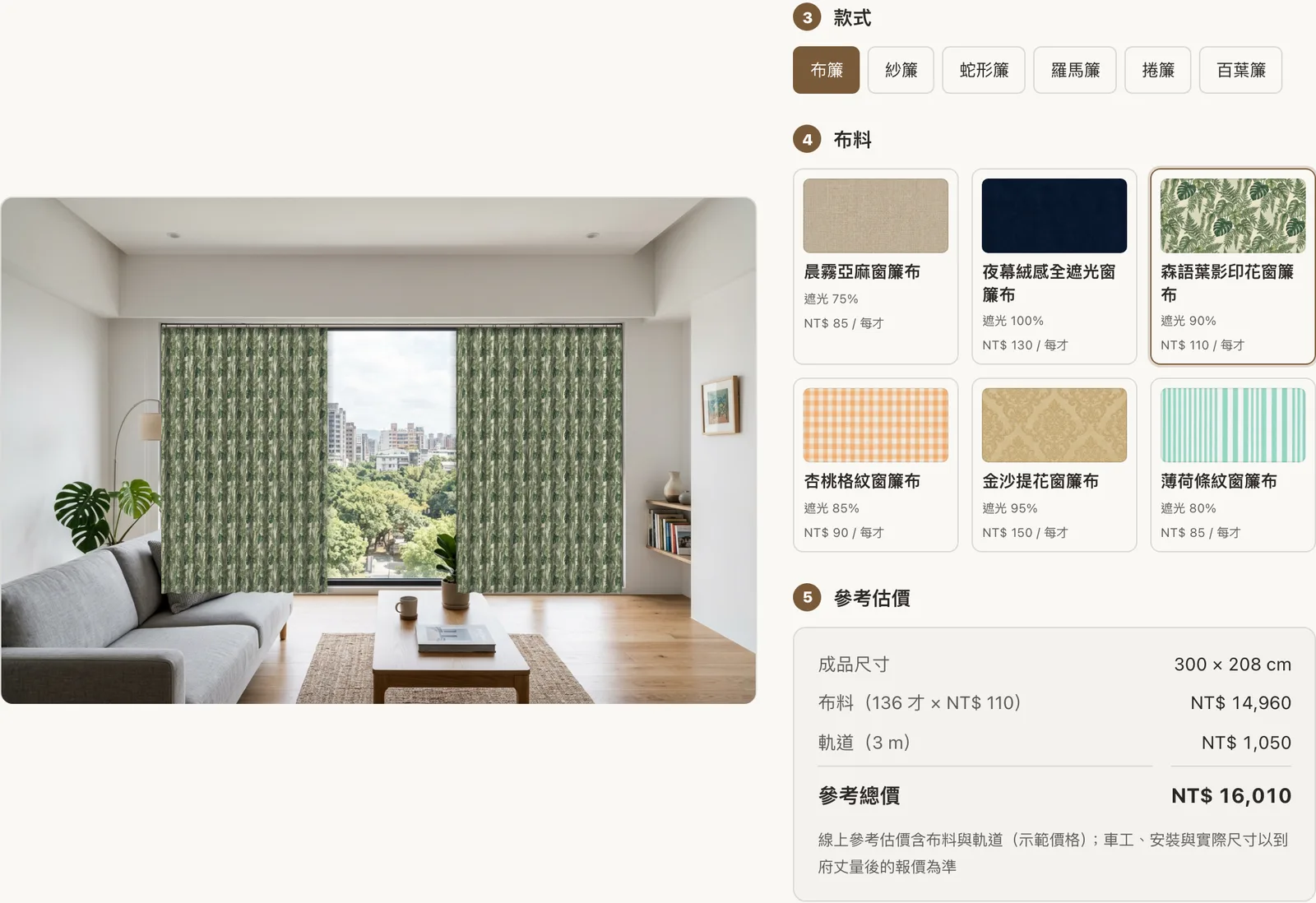
On your website, customers pick a sample room or take a photo of their own, choose a style, material and colour, and see curtains, wallpaper, paint, flooring or tiles in place straight away — with the quantity and an estimate underneath. When they like what they see, they send an enquiry and the preview comes to you with it.
Who it's for
- Curtain and blind shops
- Wallpaper shops
- Paint shops
- Flooring
- Tile shops
- Interior designers
- Renovation companies
These businesses share one problem: standing in front of a swatch, customers find it hard to picture a whole wall or window finished. Room preview moves that step onto your website, so customers compare a few options at home and arrive at your enquiry already knowing what they want.
How customers use it
- Pick a sample room or upload a photo. They can start without a photo; to see their own home, a phone snapshot is enough.
- Mark the area. For curtains, drag four corners onto the window frame; for wallpaper, paint, flooring and tiles, outline the wall or floor and mark sofas, cabinets, doors and windows to leave out.
- Choose a style, material and colour. Curtains come as pleated, sheer, wave, Roman, roller or venetian; flooring can be straight or herringbone.
- See the preview instantly. Every change updates the picture, keeping the room's own light and shadows.
- Get an estimate. Enter the window, wall or floor size and the page works out how much is needed and roughly what it costs.
- Send an enquiry. The preview, the measurements and their choices reach your dashboard with the enquiry, so you know what they want before you call back.
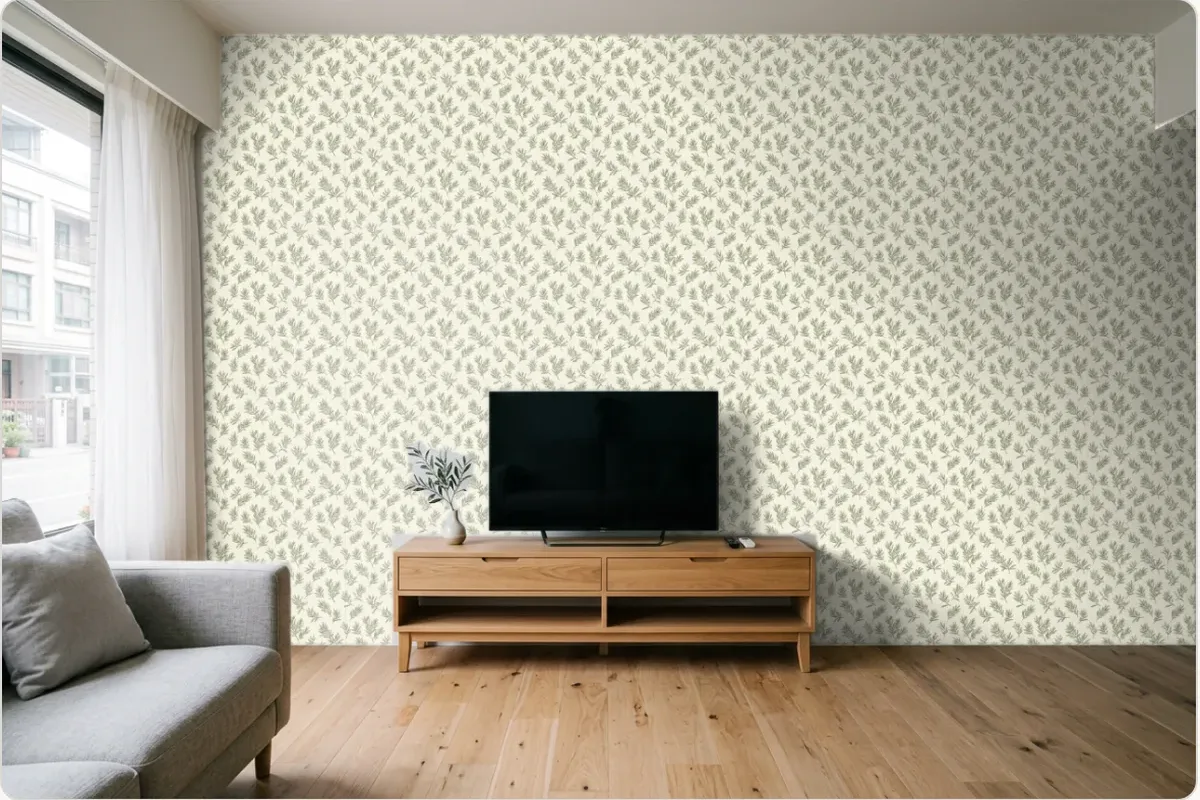
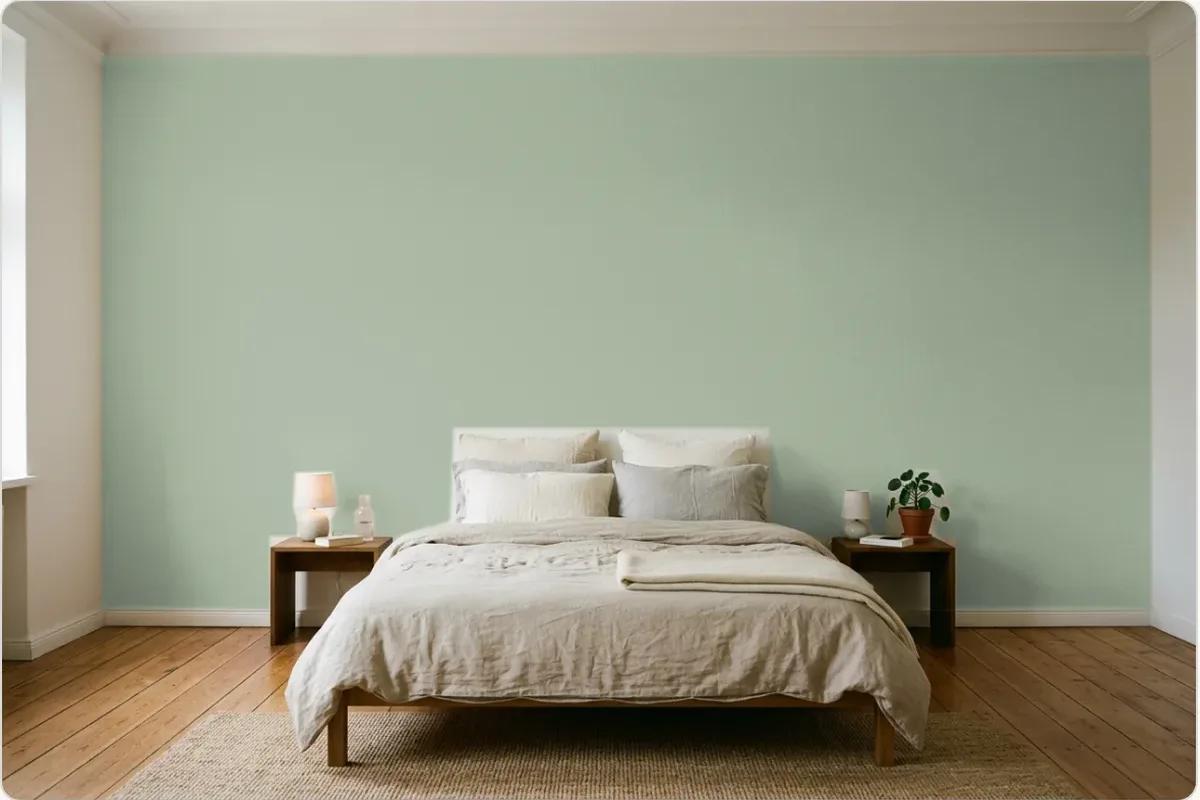
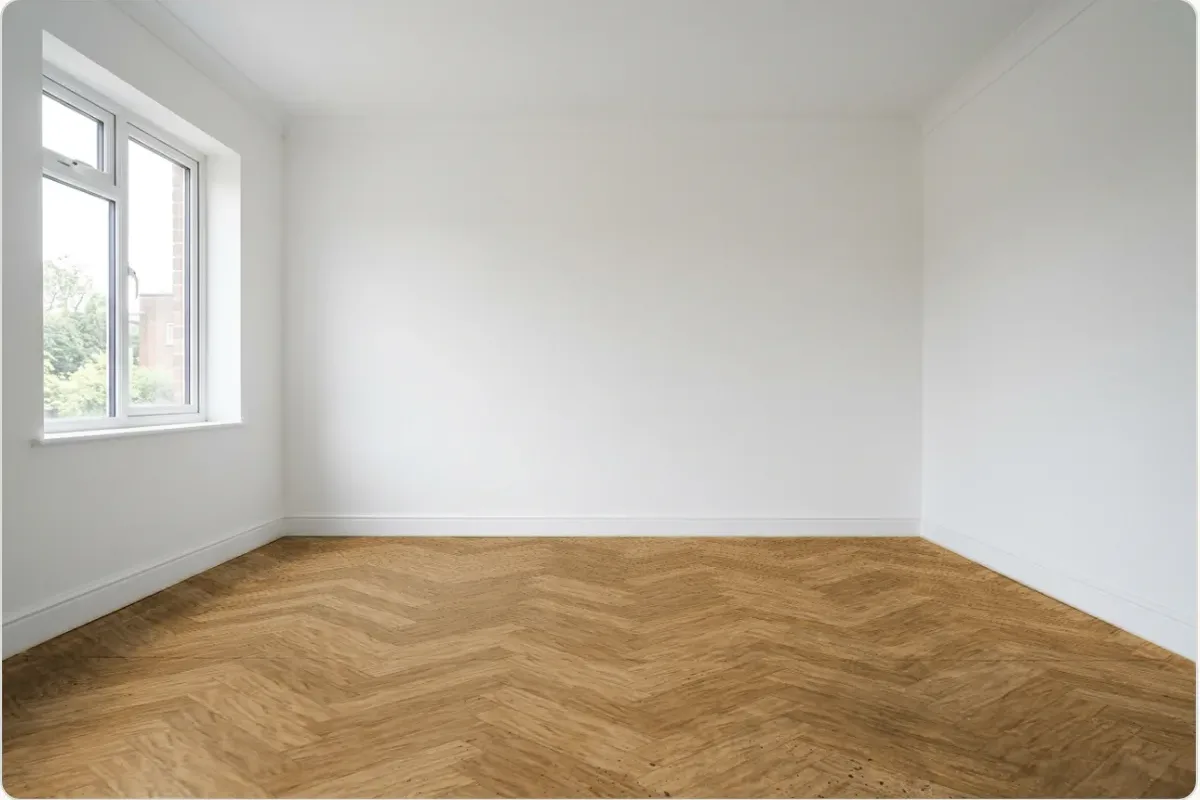
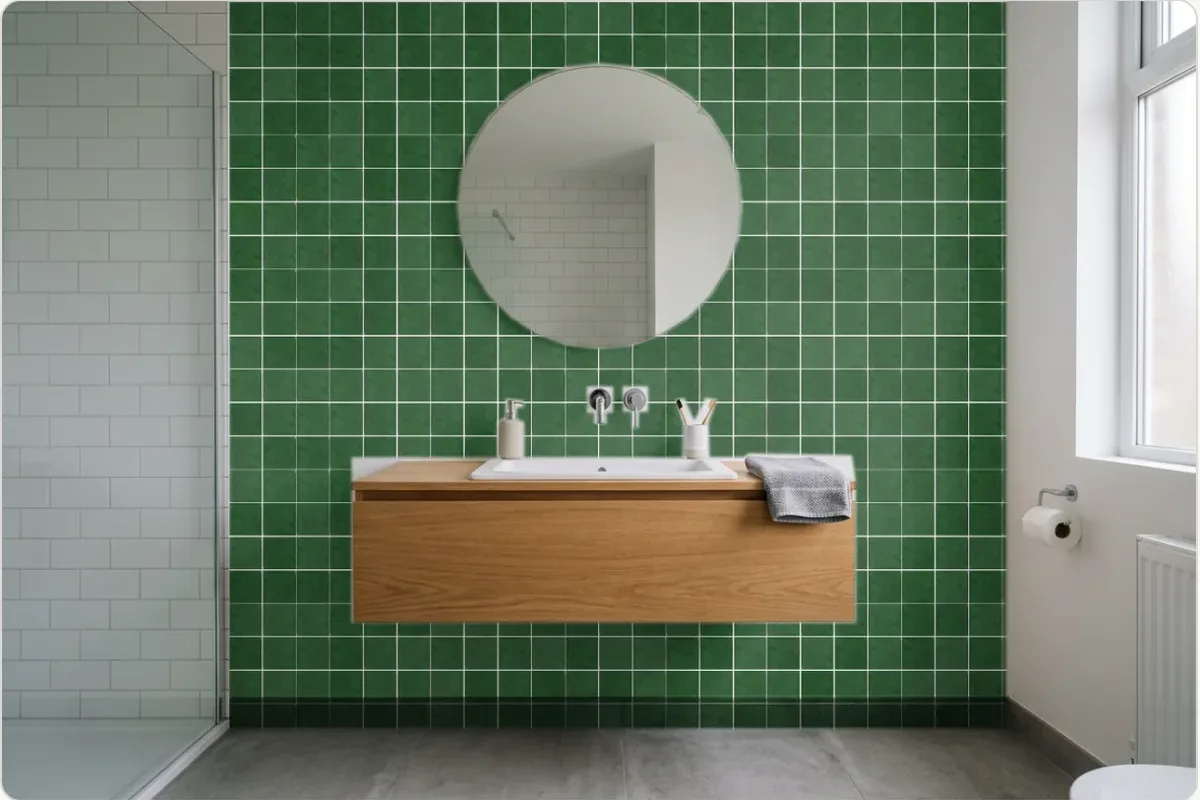
All screenshots come from the demo site of a fictional home-furnishing shop; materials and prices are sample data.
How you set it up
- Materials are your shop products. Each fabric, wallpaper, paint, floor or tile is a product with its specs and price — the same data shows in your shop, so there's only one copy to keep up to date.
- Upload colours in batches. The colours of one range sit under one product, up to 300 of them. Select a batch of swatch images at once; each file name becomes the colour code.
- Sample rooms are set in the dashboard. Upload a few photos of your own rooms and mark the windows, walls or floors, so customers have something to try straight away.
- Estimates follow your rules. Prices, curtain fullness and track, minimum quantities, waste and installation fees are all adjustable, and you write the note shown under the estimate.
- Your AI assistant knows these materials too. Asked "can this fabric be a Roman blind?" or "how many rolls for one wall?", it answers from your product data.
How each material is estimated
| Material | Unit | How it's worked out |
|---|---|---|
| Curtains | cai / area unit | Finished width × the style's fullness × finished height, converted to your unit (in Taiwan the cai, 30.3 × 30.3 cm). Set a minimum; pleated, sheer and wave curtains add a price per metre of track. |
| Wallpaper | rolls | Wall width ÷ roll width gives the drops; roll length ÷ (wall height + pattern repeat) gives drops per roll; together they give the rolls. Doors and windows marked as left-out areas are deducted first. |
| Paint | litres, cans | Wall area × coats ÷ coverage per litre, then rounded up to whole cans of your size. |
| Flooring | area, boxes | Floor area plus waste (about 10% straight, 15% herringbone — adjustable); with a box size set, it counts boxes. |
| Tiles | tiles | Area plus waste, divided by the area of one tile; wall and floor tiles are set separately. |
The estimate is a guide, and the page says the final price follows a site measurement. For materials you'd rather not price publicly, show the preview without an amount.
Try the demo site
The demo home-furnishing shop (in Chinese) has all five previews ready: curtains, wallpaper, paint, flooring and tiles. The shop is fictional, so try anything you like.
Which plan
Room preview starts with the Pro plan, from US$31 a month (billed as NT$999) — the same plan as the shop. You don't have to sell online to use it: shops that only take measurements and enquiries list their materials as products and leave checkout closed. See Pricing for every plan.
FAQ
Do customers need a photo of their own room?
No. You can add a few sample rooms, and customers start by picking one and switching styles and materials. To see their own home, they upload a photo and mark the window, wall or floor.
Where do customers' photos go?
The preview is drawn instantly in the customer's own browser. Only when they send an enquiry do the preview, the measurements and their choices go to your dashboard with it.
I have hundreds of colours. Do I list each one separately?
No. Materials are ordinary shop products, and the colours of one range sit under one product — up to 300 of them. Upload a batch of swatch images at once; each file name becomes the colour code.
How close is the estimate to the final quote?
It follows the prices and rules you set: curtain fullness and track, wallpaper roll width and pattern repeat, waste for flooring and tiles. The page says the final price follows a site measurement, and you can write that note yourself.
Which plan includes room preview?
It starts with the Pro plan, the same plan as the shop. You don't have to sell online to use it: shops that only take measurements and enquiries list their materials as products and leave checkout closed.